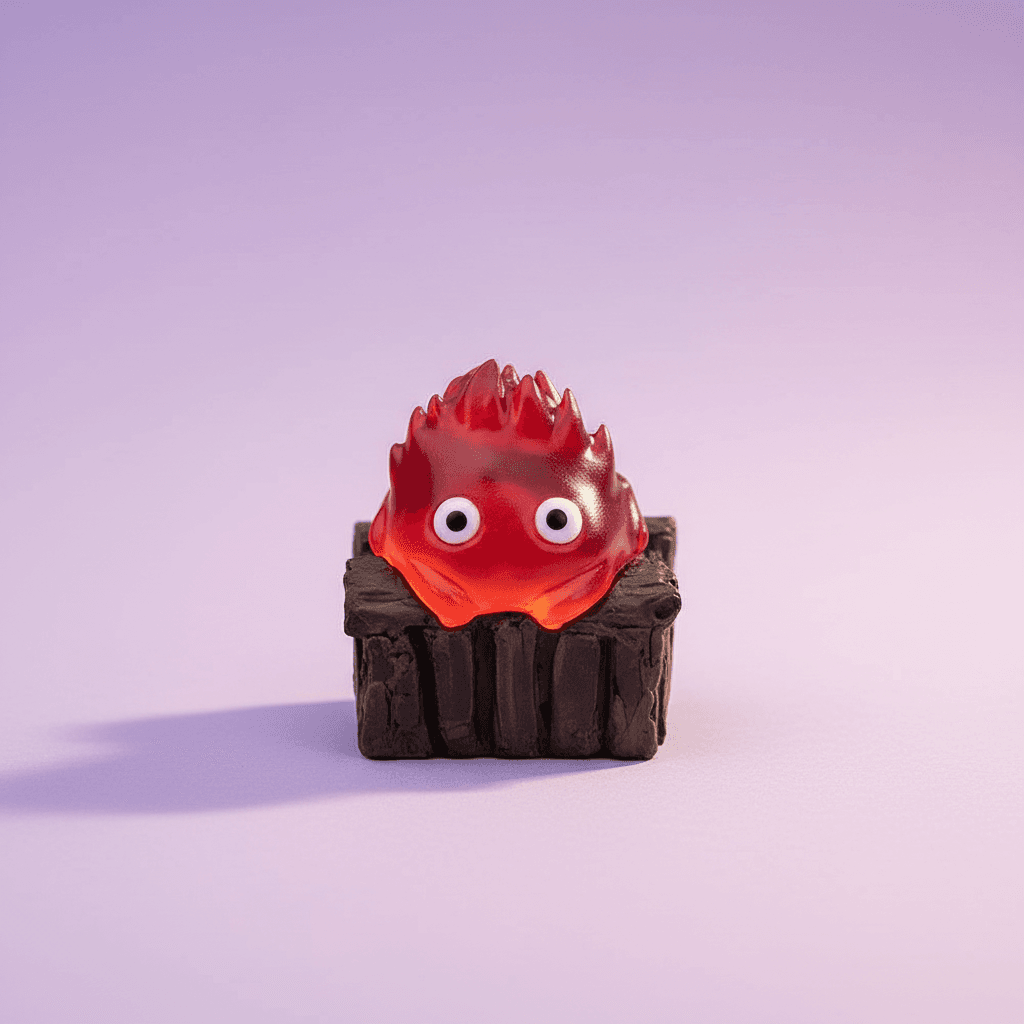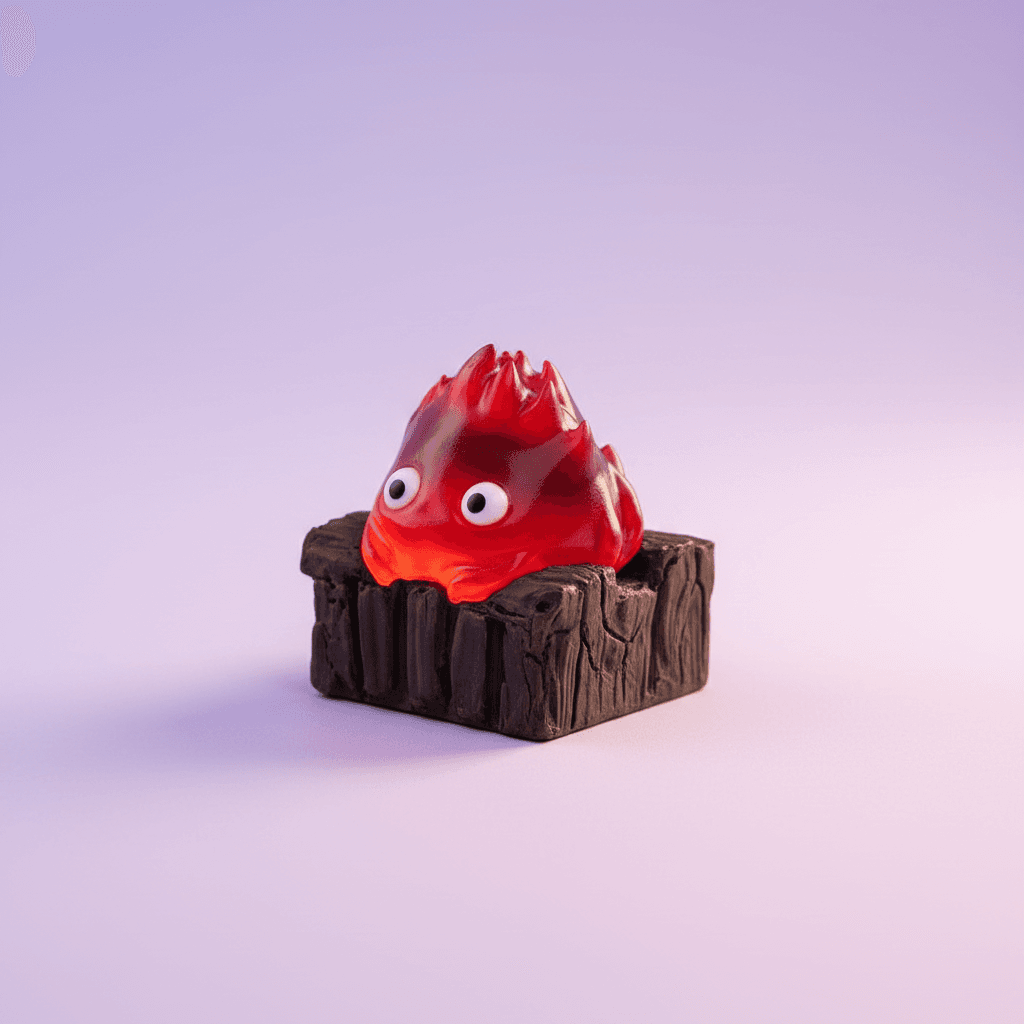
keycaps
Retro Mystery Block Keycap
Bring a dose of retro platformer nostalgia to your desk with this iconic Mystery Block keycap.
- Iconic retro mystery block design
- Adds a playful, nostalgic touch to your keyboard
- Crafted for a comfortable and satisfying press
- Perfect for personalizing your gaming setup
- Durable material ensures long-lasting enjoyment
- Design
- Retro Mystery Block
- Color
- Yellow with White Question Mark
- Material
- Durable ABS Plastic
- Compatibility
- Cherry MX compatible switches
- Keycap Profile
- Novelty / R4 (Escape/Function Row equivalent)
About this product
The Kirei Retro Mystery Block Keycap is a novelty keycap designed for mechanical keyboards, featuring an iconic yellow cube with a white question mark inspired by classic platformer video games. It is used to personalize a keyboard, offering a distinct aesthetic and tactile element for gamers. Its strongest differentiator is its instantly recognizable retro arcade design.
Frequently Asked Questions
Is this an officially licensed product?+
No — this keycap is an original Kirei design inspired by classic retro platformer aesthetics. It is not affiliated with, licensed by, or endorsed by any game publisher.
Is this keycap compatible with all keyboards?+
This keycap is designed for mechanical keyboards with Cherry MX-style switches. Please check your keyboard's switch type for compatibility.
What material is the Retro Mystery Block keycap made from?+
This keycap is crafted from durable ABS plastic, providing a smooth finish and long-lasting quality that stands up to daily use.
How do I install the Retro Mystery Block keycap?+
Gently pull off your existing keycap using a keycap puller or your fingers, then firmly press the Retro Mystery Block keycap onto the switch stem until it clicks into place.
Can I use this keycap on any key, like the spacebar or shift key?+
This cubic keycap is typically used for single-unit keys like the Esc key, function row, or a specific letter key, due to its unique shape. It is not designed for larger modifier keys like the spacebar or shift.
Complete Your Station
Everything works better together. These picks pair perfectly with what you're looking at.